7 Best no-code website builders of 2026


Don't get me wrong, there is no single "best" no-code website builder in 2026. There is the best one for what you are creating, which is dependent on whether you are building a portfolio, a store, or a five-page brochure site.
Therefore, this guide ranks 7 good builders by the type of job they're good at rather than giving you another flat ranking. Prices are confirmed directly from each vendor, and I will let you know where each one starts to squeak when I make a run for it; all roundups avoid that part.
Best no-code website builders at a glance
All prices billed annually unless noted.
My quick recommendations
If you're skimping, this is the short list:
- Wix — best all-round for beginners
- Squarespace — best for design-conscious brands
- Webflow — best for design control
- Framer — best for motion and visual polish
- Carrd — best for one-page sites
- Hostinger — best for tight budgets
- Shopify — best for ecommerce
Now let's get into why.
What a no-code website builder means
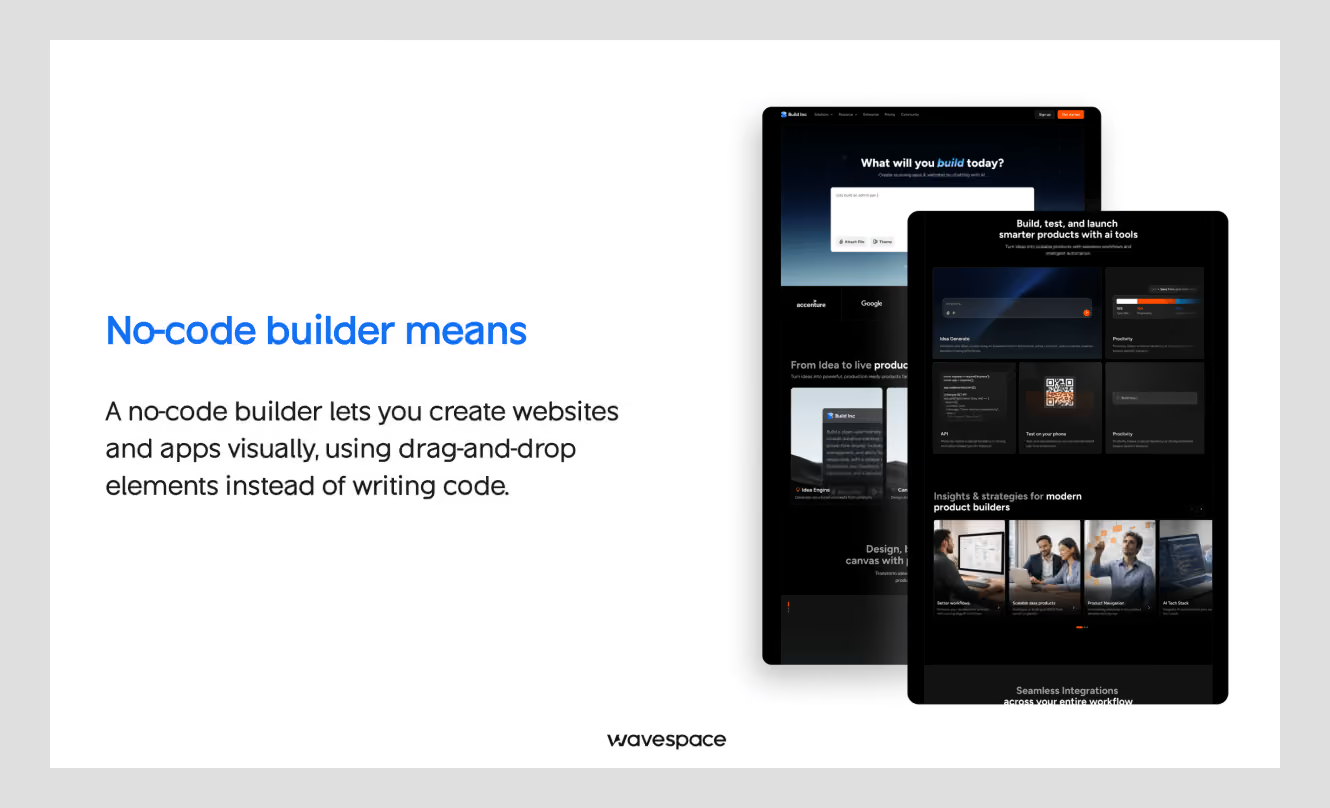
Simply put, a no-code builder is a tool that enables you to create, publish, and host a site using a visual editor. Please avoid HTML, CSS, and JavaScript at 1 am.
A common misconception people have is that WordPress.com and WordPress.org are not the same product. WordPress.com (hosted) is truly a no-code platform and you create all of it in a dashboard. WordPress.org is self-hosted and you're in charge of hosting and plugins. That is a tool for developers with a name that sounds like it's for beginners.
The other thing that's specific to 2026: almost all builders these days add an AI starting point. Wix has one. So do Framer, Shopify and GoDaddy.
This is actually quite useful to avoid the blank page. It's still created from the same template library that everyone else on that platform uses, so don't anticipate that the AI draft will make your site look distinct from any other.
Wix (Best all-round for beginners)
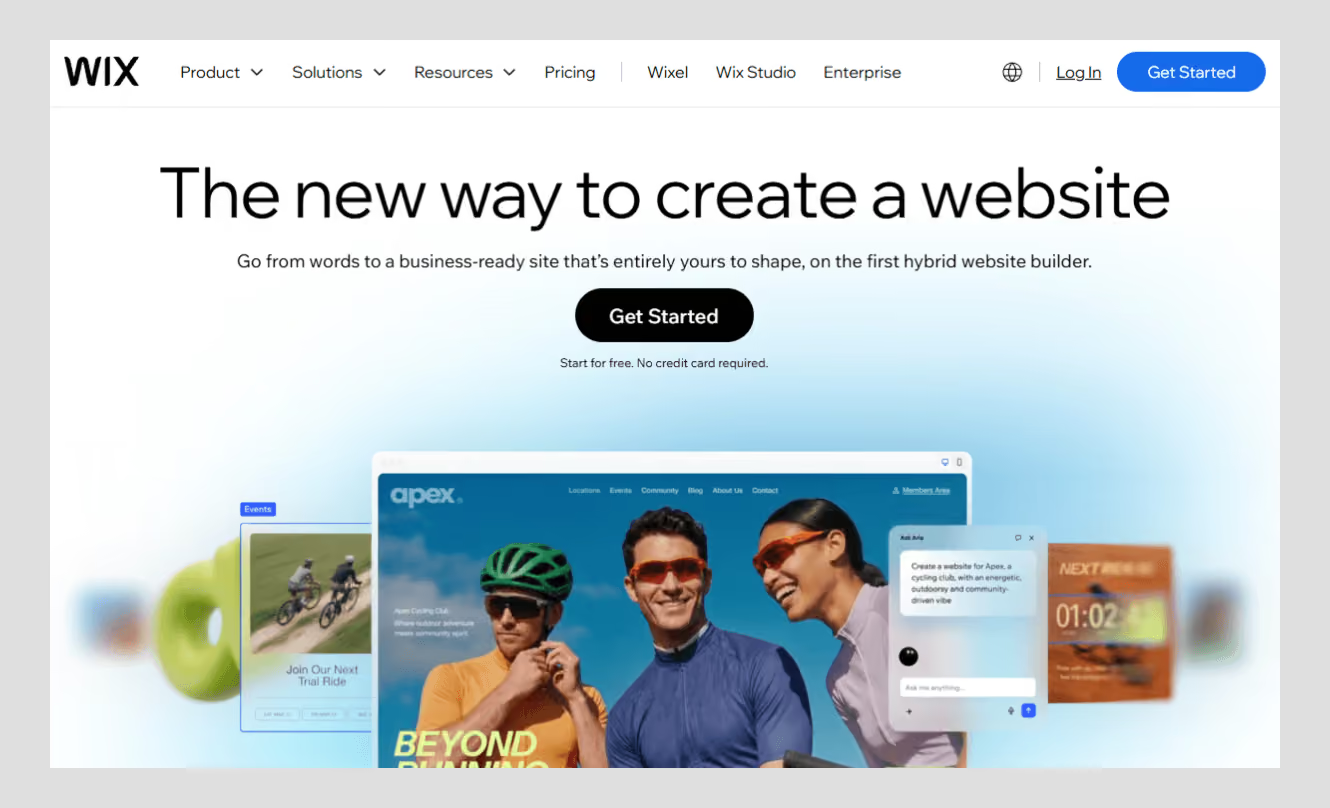
Wix is the safe choice and it's easy to see why it consistently appears at the top of these lists: The template library is vast, the AI site builder is actually helpful to get a first draft up and running, and you can get from drafting to publishing in an afternoon.
Pricing: Light $17 per month, Core $29 per month, Business $39 per month, Business Elite $159 per month (all monthly prices are higher, annual prices are available). If you wish to sell anything, you need Core or more.
Watch out for: The free plan still has ads from Wix and is not capable of sales. When you actually need ecommerce, the price goes up even more than the $17 figure indicates.
Best for: people who need options without a learning curve, portfolios, and small business sites.
Squarespace (Best for design-conscious brands)
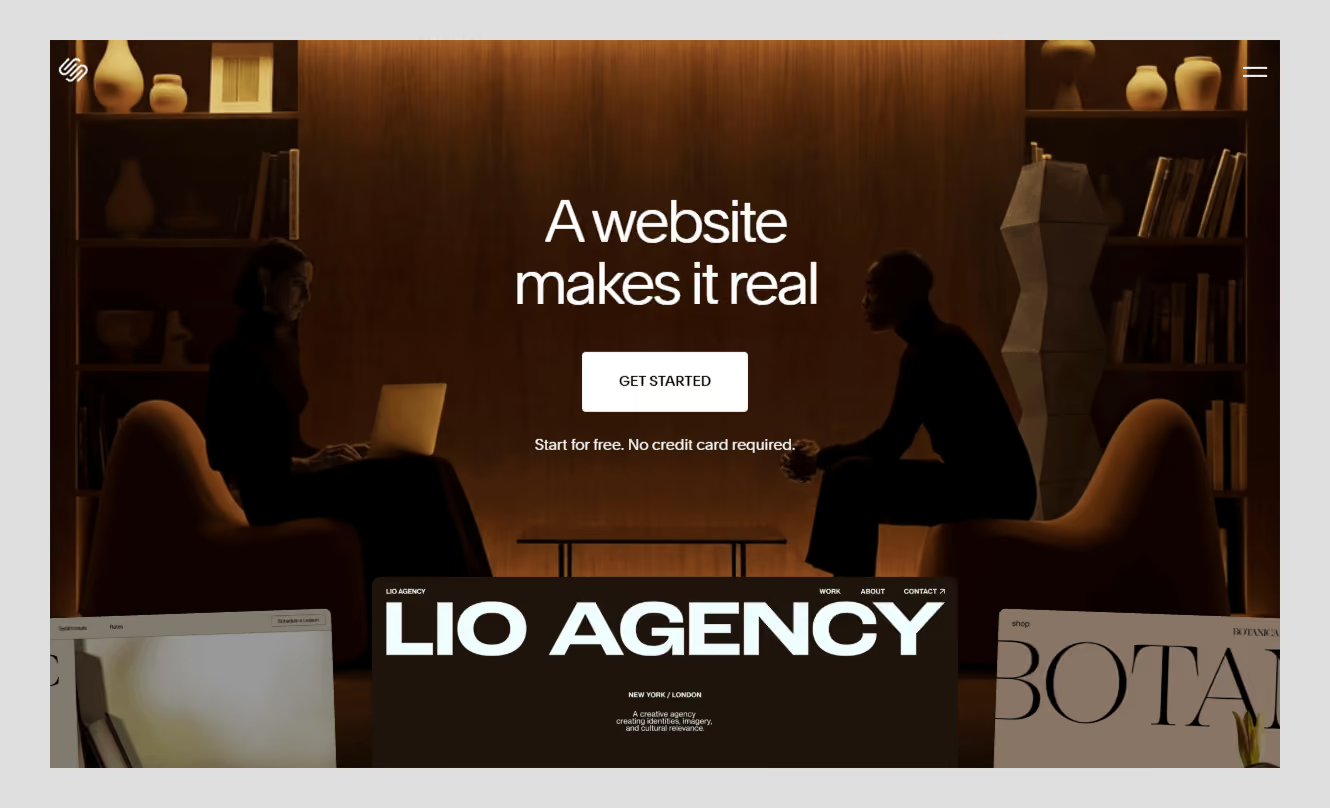
If you're more concerned with the appearance of your site than the amount of customization you can do, you may choose to use Squarespace. The templates are refined and polished to a level that an out of the box builder can't achieve.
Pricing: There is no free version, only a 14-day trial. Plans: Basic $16/mo, Core $23/mo, Plus $39/mo, Advanced $99/mo (annual). Once you're on Core or higher, transaction fees are zero.
Watch out for: You're not working on the outside of Squarespace's design language, but inside of it. Not as flexible as Wix or Webflow if you need to get the layout to an unusual place.
Best for: blogs, restaurants, creative portfolios, brands looking to have a designed look without hiring a designer.
Webflow (Best for design control)
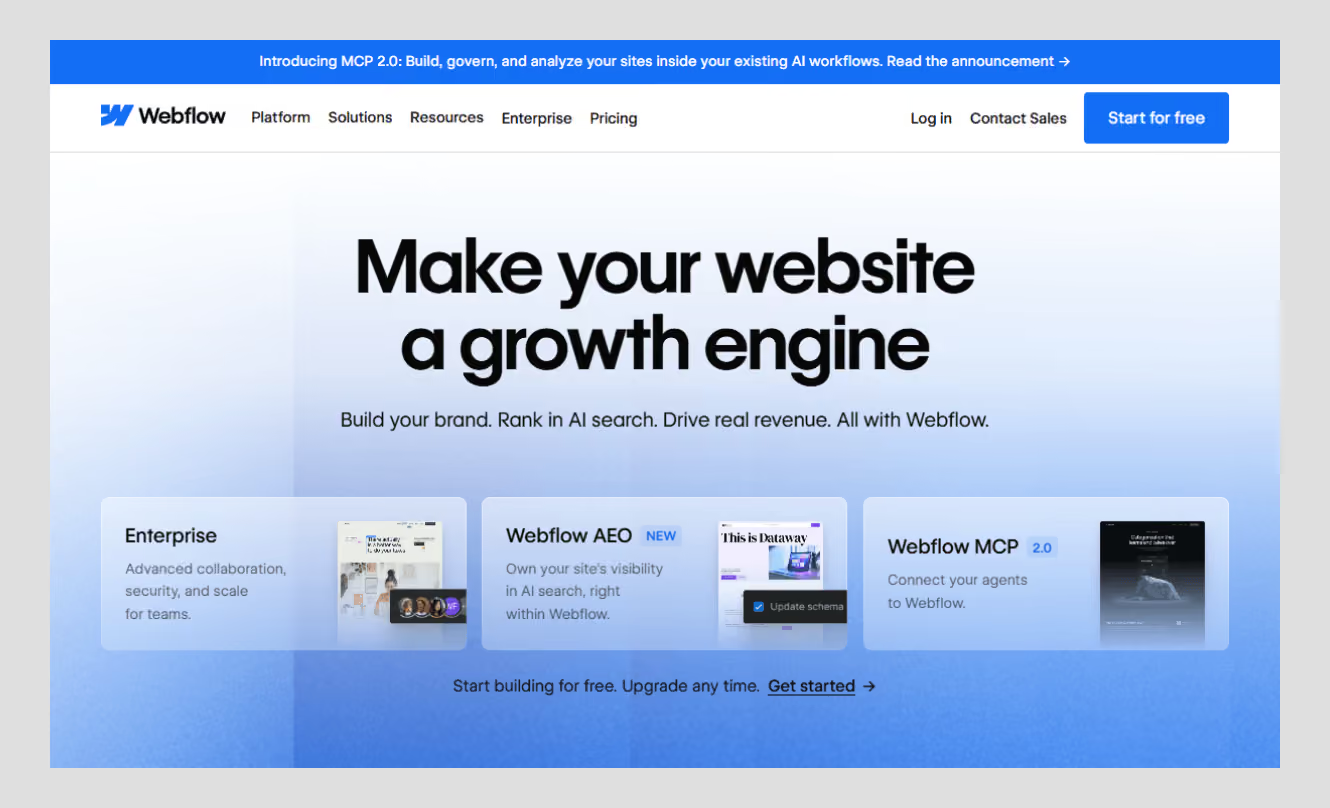
Wix is the safe choice, and it's easy to see why it consistently appears at the top of these lists: The template library is vast, the AI site builder is actually helpful to get a first draft up and running, and you can get from drafting to publishing in an afternoon.
Pricing: Light $17 per month, Core $29 per month, Business $39 per month, Business Elite $159 per month (all monthly prices are higher; annual prices are available). If you wish to sell anything, you need Core or more.
Watch out for: The free plan still has ads from Wix and is not capable of sales. When you actually need ecommerce, the price goes up even more than the $17 figure indicates.
Best for: people who need options without a learning curve, portfolios, and small business sites.
Framer (Best for motion and visual polish)
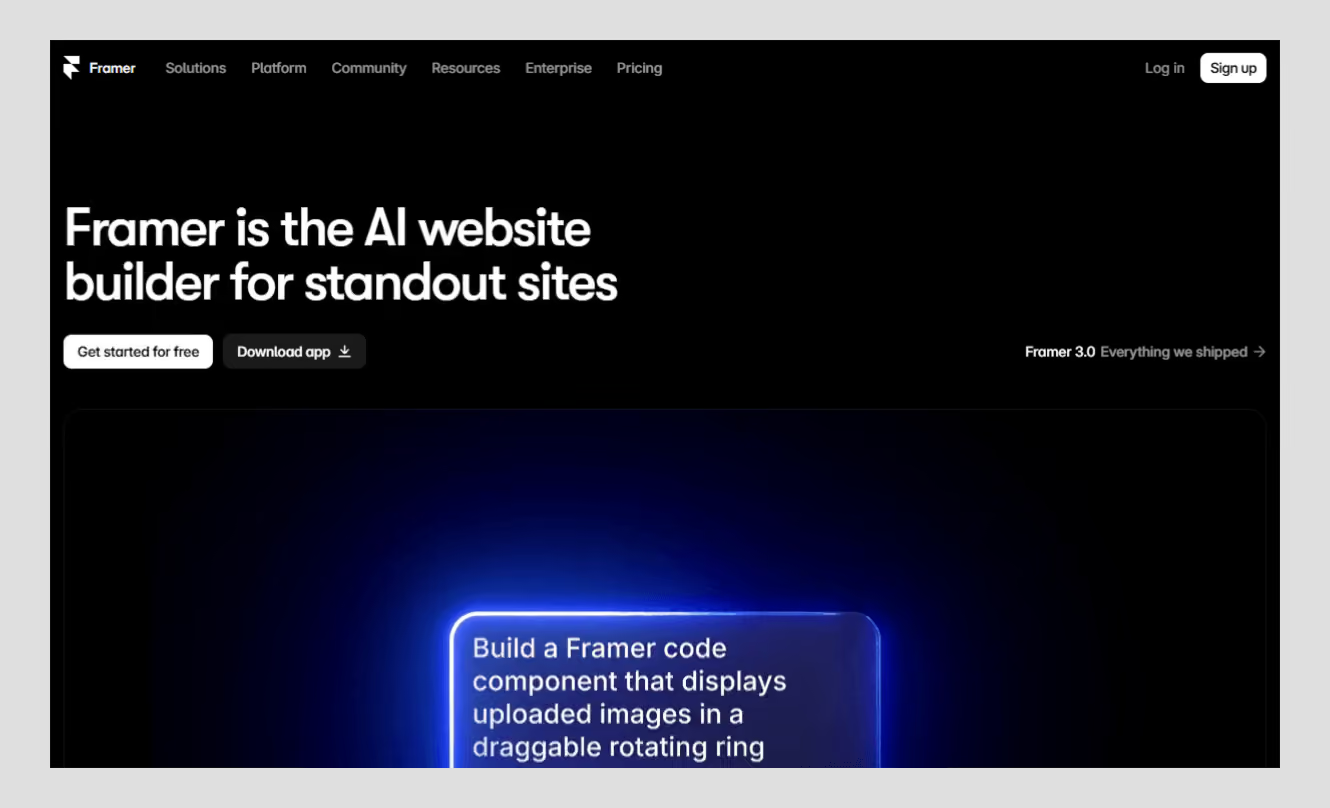
Framer was originally a prototyping tool, and it remains one, and it's a good one. Animations, scroll effects, and hover states, all built in, not bolted on. The editor will feel familiar to you if you've ever worked with Figma.
Pricing: Basic runs $10/mo, Pro $30/mo, Scale from $100/mo (annual).
Watch out for: editor seats cost an extra $20/mo each, on every plan. If you're an agency with three employees who need access, then that's nothing.
Best for: designers and small teams that don't need to hire a developer for a fast, animated site.
Carrd (Best for one-page sites)
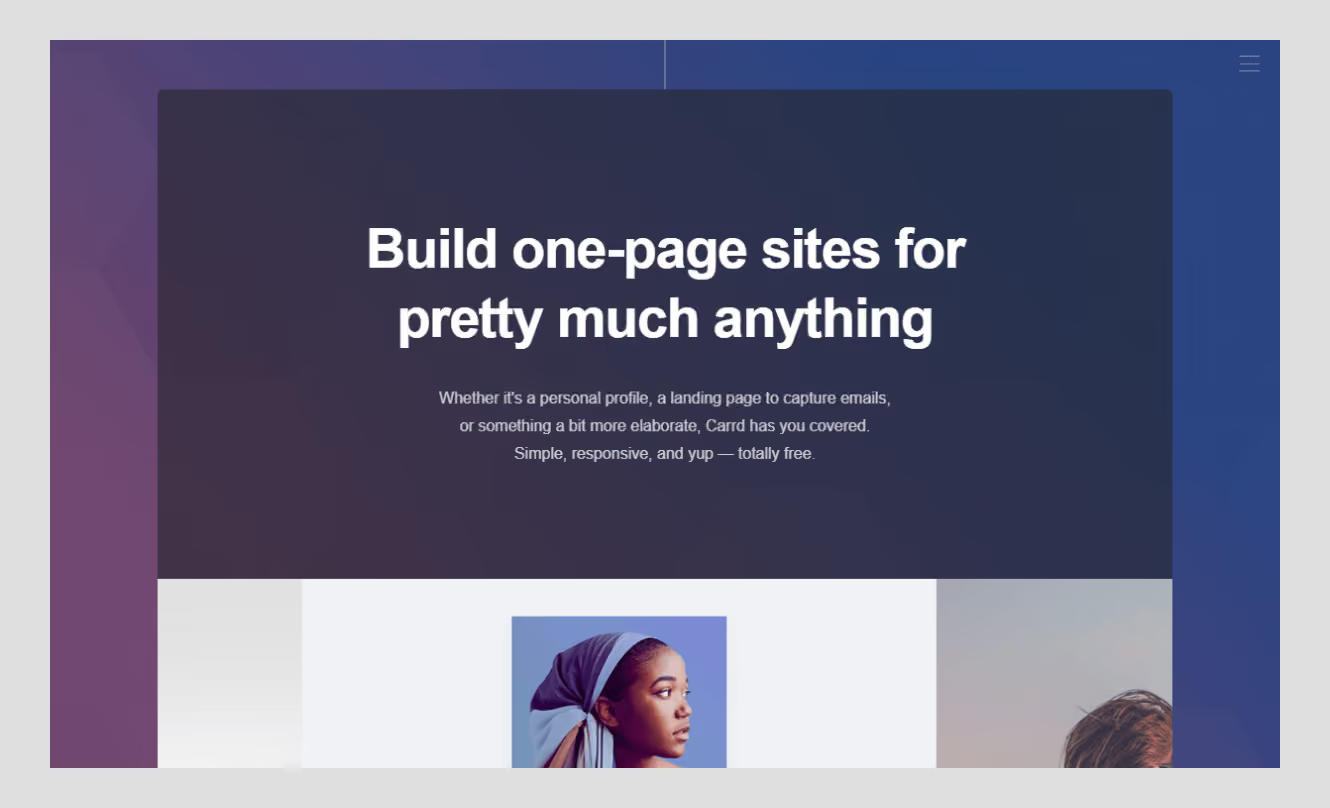
Carrd does one thing, and it does it well: single-page sites, dirt cheap. Free up to 3 sites, then Pro Lite $9/yr, Pro Standard $19/yr (adds a custom domain and forms), Pro Plus $49/yr. There is no monthly plan; all paid plans are annual.
Watch out for: it's a one-page tool, period. No blog, no multi-page structure, and no upgrade to something bigger. If you need to upgrade, it's not switching platforms.
Best for: link-in-bio pages, event pages, pre-launch landing pages, simple portfolios.
Hostinger (Best for tight budgets)
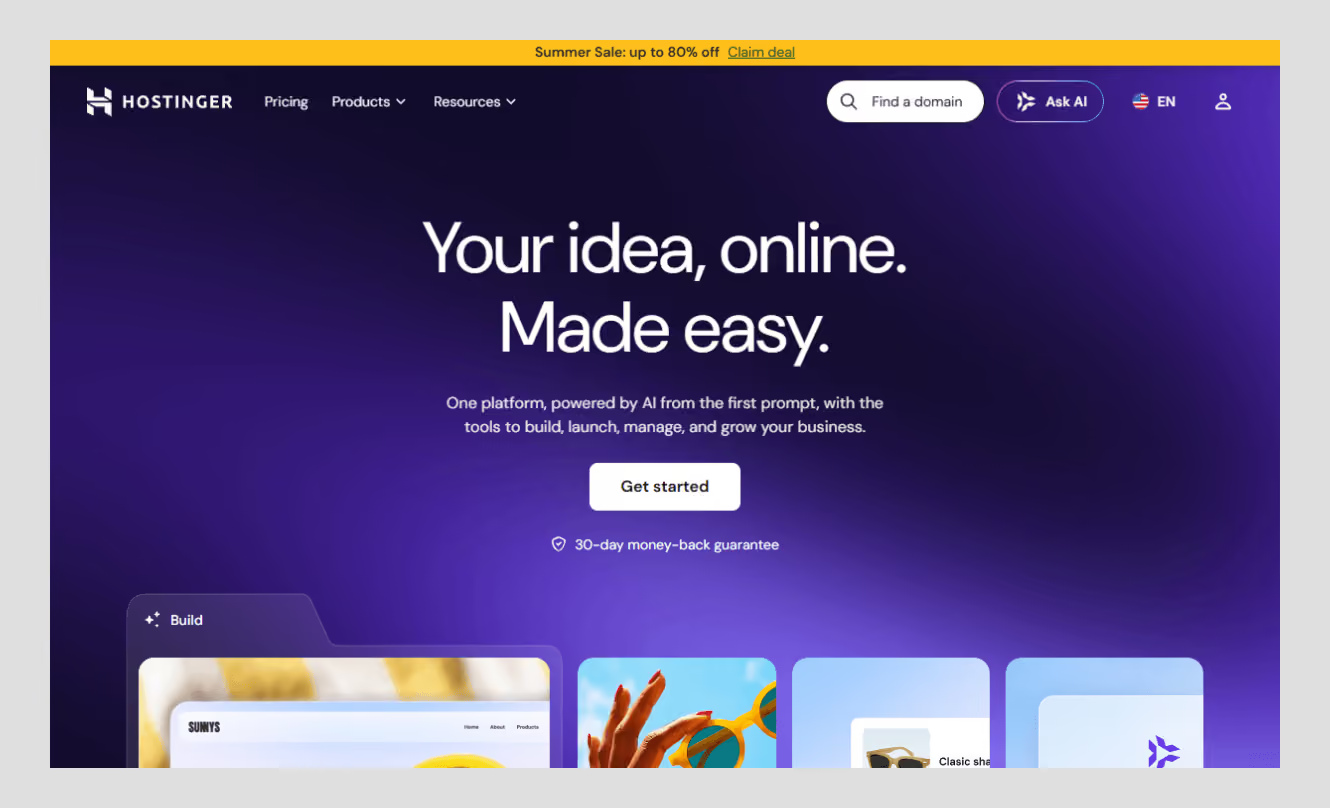
Hostinger is a winner on the headline price, and it's the lowest price on this whole list ($2.69–2.99/mo). The trick is that this is a 48-month up-front price. After that term, it will renew at approximately $10.99 per month. The Business tier (ecommerce) is no different: ~$3.99/mo intro, ~$16.99/mo renewal.
Watch out for: do the four-year math before you commit. The renewal jump here is the steepest of any builder in this guide.
Best for: people who want to build on a budget, or reset the promo if it expires.
Shopify (Best for ecommerce)
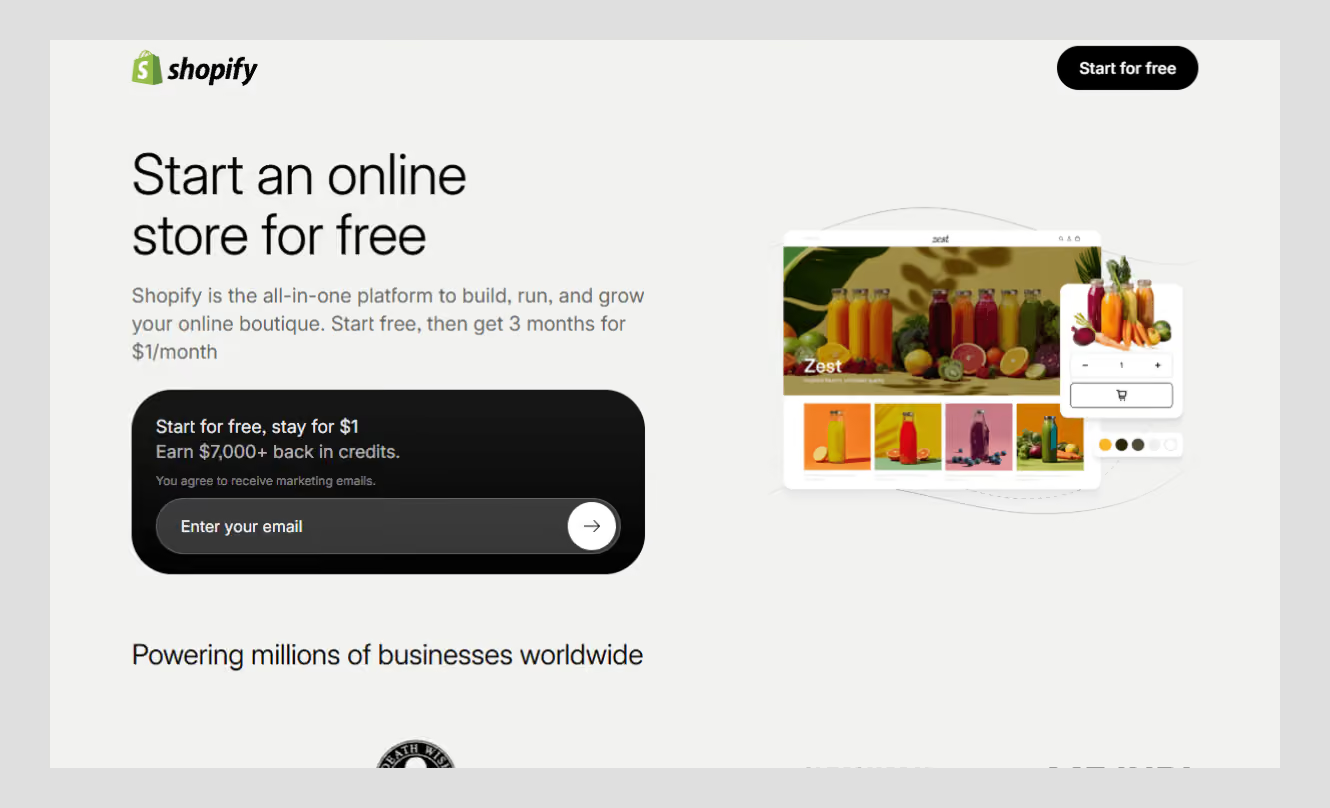
Shopify is not a general website builder; it's a commerce platform with a website builder. Checkout, inventory, shipping, payments: All built in, not an afterthought. For those who are selling products, this specificity is just the reason why it wins.
Pricing: Basic is $39/mo ($29/mo billed annually), Grow $105/mo, Advanced $399/mo. There's also a $5/mo Starter plan, but it only handles simple checkout links, not a full storefront.
Watch out for: If you are not primarily interested in selling, it's overbuilt. You will be charged for the use of commerce infrastructure that you are not utilising.
Best for: a small business or large catalog or ecommerce site whose purpose is to sell.
How to choose the right no-code website builder
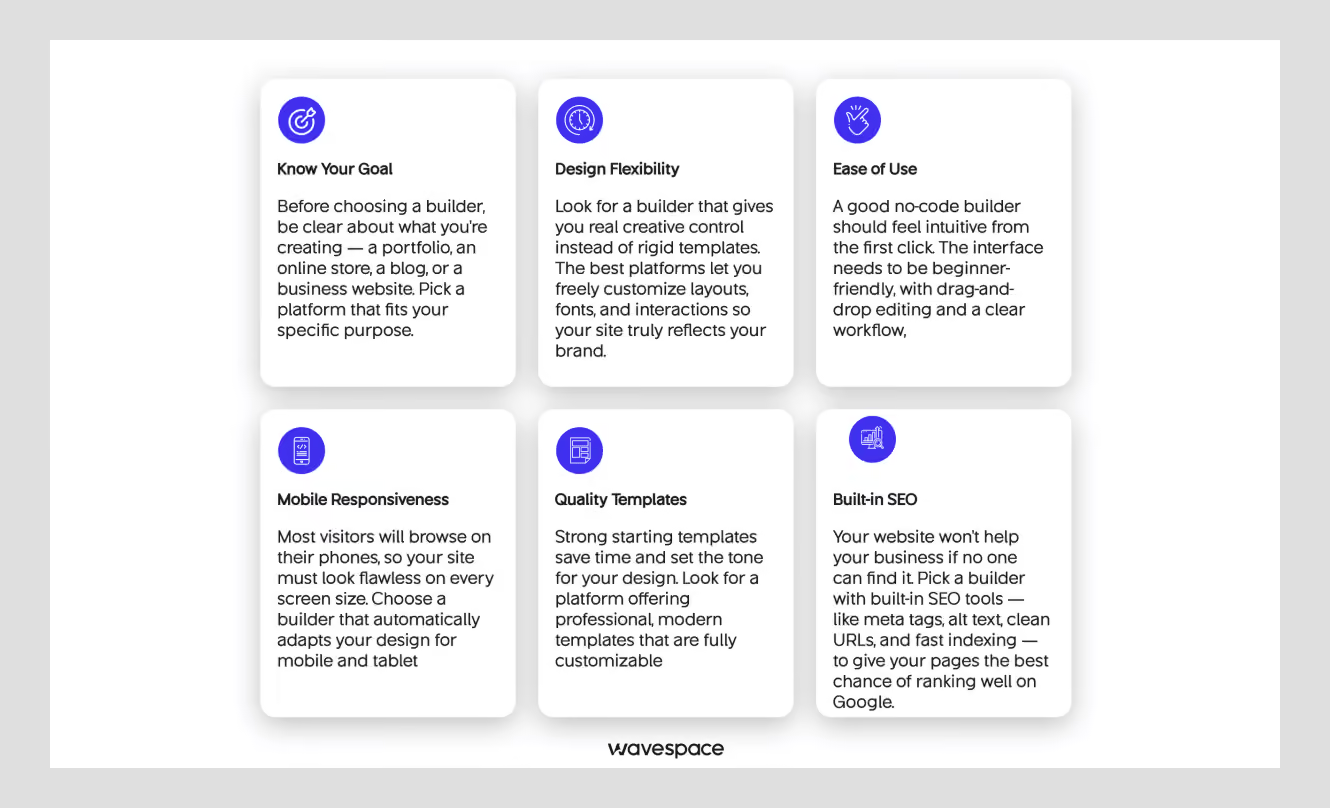
Don't compare features for now and just ask yourself, what is this site really about?
- General marketing site or portfolio? Wix or Squarespace. If you're looking for flexibility and options, then Wix; if you're looking for something that looks designed with little effort, then Squarespace.
- Isn't speed more important than design? Webflow or Framer. If motion and a less steep learning curve are more important, then use Framer, and if deep content management is more important, use Webflow.
- Selling something? Unless your catalog is small enough to fit into the built-in store of Wix or Squarespace.
- Does budget make a difference? Once you've performed the maths on Hostinger, or a single page truly does the job, Carrd.
Last but not least, it's important to note that no matter which tool you choose, it's designed to help you get published quickly, not to make your site rank higher than a competitor who's using the same template.
None of these seven tools can solve that by themselves; custom interactions beyond the built-in components, performance at real scale, and looking different than everyone else on the same platform. That's typically where a research-driven design process, rather than another template, will fill the gap.
Common mistakes people make when choosing a builder
Selecting the tool first, then figuring out what the site needs to do. People usually compare builders first, and then fit their project into the builder that they like best. Flip that order. List down what the website really needs to do: sell products, display design work, collect leads, and the options become quite limited.
Not knowing what to do when it outgrows you. All builders have their own system. No export, no "Download my site and take it somewhere else. If you think you may need to expand a project beyond a page or a brochure site in the next year or two, that's something to consider before you build it, not after you've created fifty pages that you'll have to rebuild again.
Not estimating your time, not only the subscription fee. You can still spend a lot of hours on a cheap plan. The design-focused tools (Webflow is one of them) are worth it if you're willing to learn the tool, or if you're not, hire someone who does, or choose something easier. The "cheapest" option on paper isn't cheap if it eats your whole weekend.
Confirming key features after you've already started building. Ecommerce support, form limits, custom domains, multi-language- check these before you commit hours to a layout, not after. Discovering a feature is locked behind a plan you didn't buy, three weeks into a build, is one of the most common (and most avoidable) frustrations people run into.
For pricing, use the number on the pricing page. The actual price is usually not the advertised price. Renewal fees, transaction fees, seat costs, and add-ons can double or triple your actual costs. Work on year two maths first, before year one.
Final verdict
If you need one answer and nothing more: Wix offers the most use cases and is the most affordable with the lowest learning curve. This is a safe bet.
If you have read this far, you already know the true answer is “it depends”. Squarespace for design details. For design control, Webflow or Framer.
If you are selling, you need to use Shopify. If you just want one page, use Carrd. If budget is the only factor, then Hostinger. Choose according to the project, not because the tool is #1.
FAQ’s about no-code website builders

Wix. The largest template library, a truly helpful AI starting point, and the easiest to learn of the seven listed here.
Both Webflow and Wix are good, with Webflow offering more technical control (custom code, cleaner markup) and Wix filling in most of the gap with built-in SEO features you don't need to mess with code to use.
If you want total control and a true CMS, then Webflow is the way to go. Framer, when the polish of the movement and the visuals are more important than the depth of content structure.
Some can, some can't really. There are higher tiers for growth in Wix, Squarespace, Webflow, and Shopify. Carrd doesn't... It's a one-page tool, and it's not designed to become something larger.
A no-code builder is the visual editor itself: drag, drop, publish- no code ever. An AI website builder is an overlay that creates your initial draft based on a textual input. It is a shortcut to a starting point and not the editor below.
Webflow has a lot of depth and technical control for your CMS, but you can't get that for the ease of learning curve or a simpler pricing model. Framer is faster and easier to ramp up and has a lighter CMS, but it comes at a cost of winning on motion and speed. Content-heavy site → Webflow. Fast, animated marketing site → Framer.
Depends on the builder. If you (or your team) have design or dev skills, you'll have more control with Webflow. Wix is easier to learn and is less expensive to set up, but you're sacrificing structural flexibility to achieve that.
Genuinely depends on the stage. Pre-launch landing page → Carrd. General marketing site → Wix. Design-forward product site → Webflow or Framer. Selling something from day one → Shopify. There's no single "startup" answer here; match it to what you're actually shipping.

More related blog

Have a Project? Let’s talk!



















.png)



Francisco, CA 94105, United States





































.avif)