What is Webflow? Why top brands choose it (pros & cons 2026)


You need a new website. You've heard about Webflow. Probably your designer told you. Or you noticed that such giants as Discord and Dropbox Sign use it.
But what is Webflow exactly? And why do successful brands choose it over WordPress or Squarespace?
Here's the simple answer: Webflow is a tool that lets you build professional websites without writing code. However, it is stronger than a simple website builder such as Wix.
For those looking for other easy-to-use options, the Design.com AI website builder and the BrandCrowd website builder can also help create professional websites without coding.
In this guide, you'll learn:
- The nature and the way Webflow functions.
- Why top brands prefer it
- The honest pros and cons
- Is it right in your business?
Let's start with the basics.
What is Webflow?
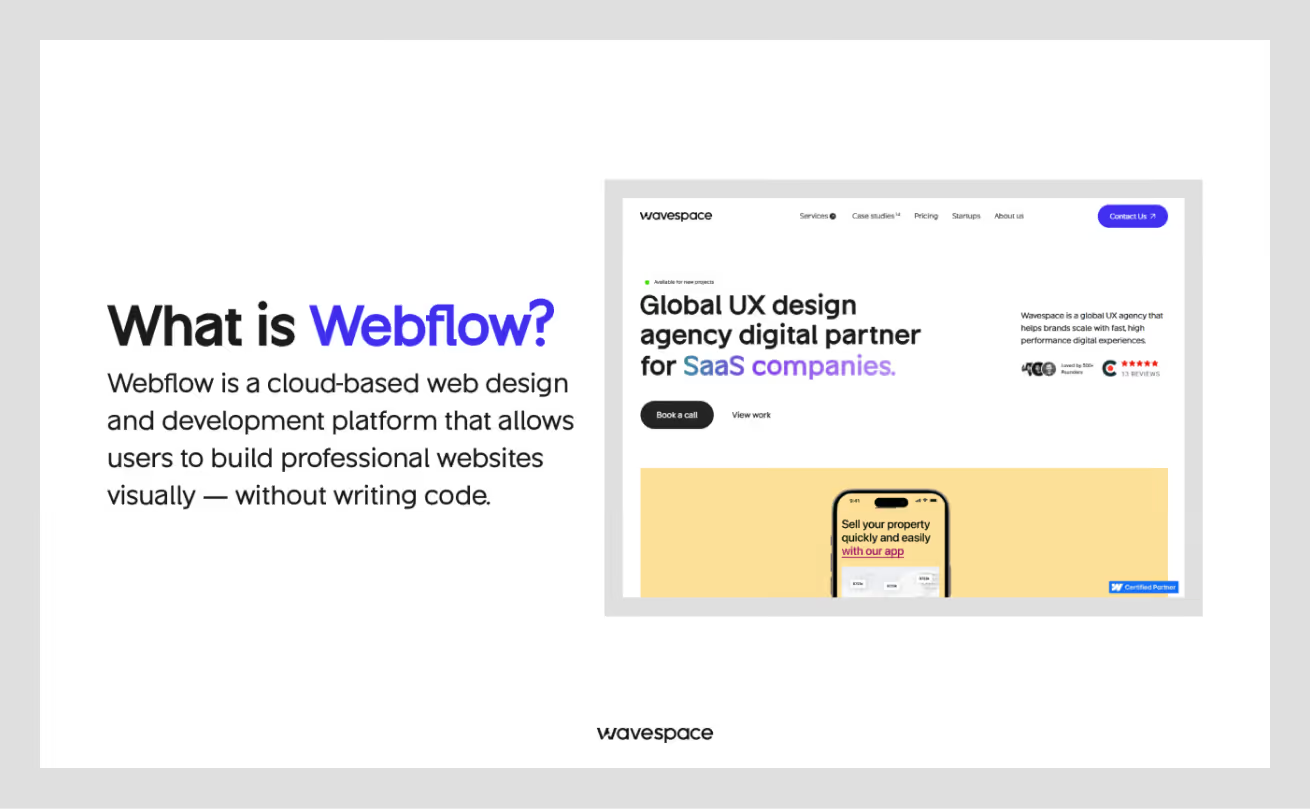
Webflow is a website builder. But it's different from tools you might know.
Think of it this way:
- Wix or Squarespace = Easy templates, limited control
- WordPress = Flexible, but needs plugins and coding
- Webflow = Design freedom + no coding required + clean results
Webflow gives you three things in one place:
- Design tool - Build your website visually
- Content management - Update your content easily
- Hosting - Your site lives on fast, secure servers
You design your site by dragging and dropping. But unlike simple builders, you control every detail. And Webflow writes clean code in the background.
Looking for expert help? Check out our guide to the top Webflow agencies.
What makes Webflow different?
Most website builders fall into two camps:
Camp 1: Easy but Limited
Tools like Wix are easy to use. But you get stuck with templates. Your site looks like everyone else's.
Camp 2: Powerful but Complex
WordPress is flexible. But you need developers. You install plugins. Things break. Updates cause problems.
Webflow sits in the middle.
You get design freedom without code. But the output is professional. Developers can export the code if needed.
Here's how it works:
- You design in a visual editor (like using Figma or Canva)
- Webflow turns your design into real code (HTML, CSS, JavaScript)
- Your website is ready to launch
- No plugins needed
- No messy code
What can you build with Webflow?
Webflow works for many types of websites:
Marketing Websites
- Company websites
- Landing pages
- Portfolio sites
- Agency websites
Blogs and Content Sites
- News sites
- Magazine-style blogs
- Resource centers
- Help centers
E-commerce Stores
- Product catalogs
- Online shops (up to 3,000 products)
- Digital product stores
Web Applications
- Membership sites
- Client portals
- Directory sites
- Dashboard interfaces
What you CAN'T build easily:
- Large e-commerce stores (5,000+ products)
- Complex web apps (like Airbnb or Facebook)
- Social networks
- Custom software platforms
For such sites, you need custom development.
Why top brands choose Webflow
Real Brand Examples
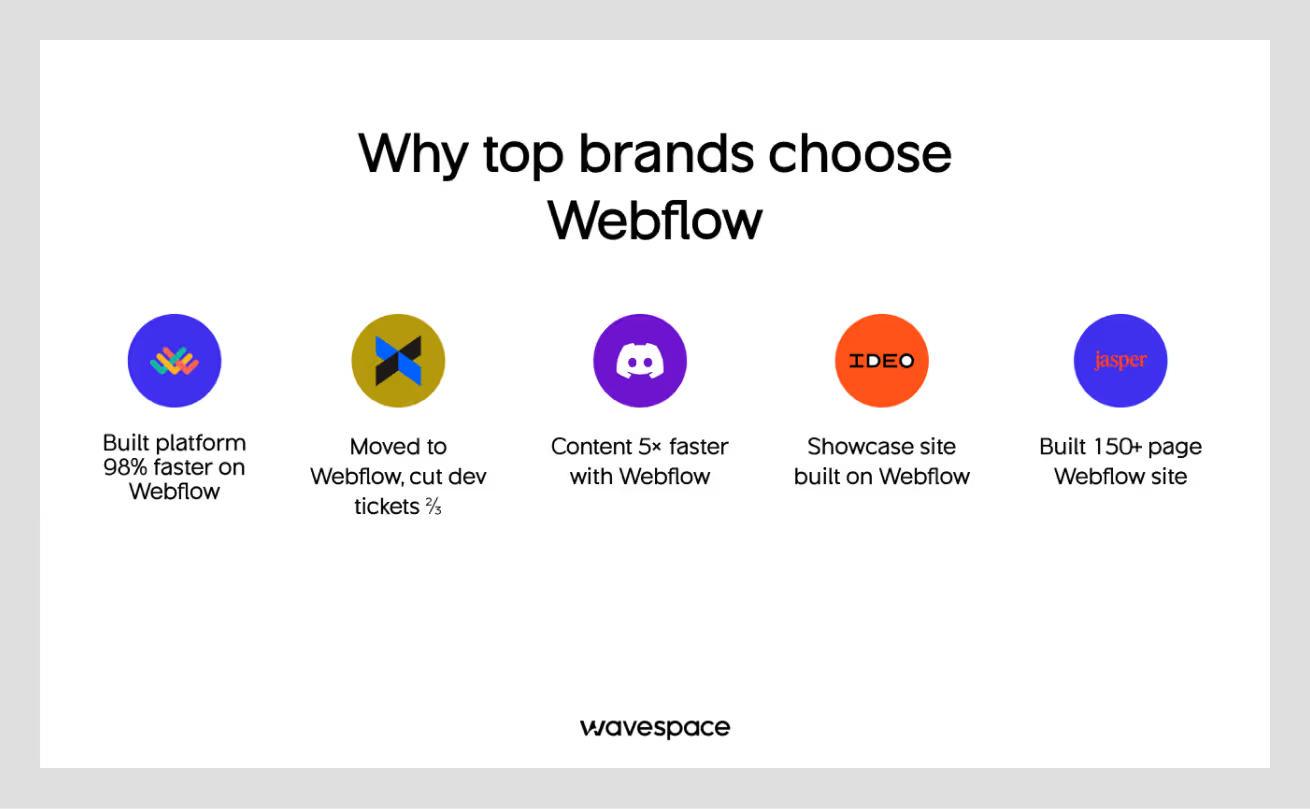
Big companies use Webflow. Here are verified examples:
- Lattice - HR software company
- Created their whole marketing platform on Webflow. They were 98% quicker than previously.
- Dropbox Sign (formerly HelloSign) - Document signing tool
Moved to Webflow Enterprise. They cut developer tickets by two-thirds.
- Discord - Chat application
Uses Webflow for their blog. Their content is now 5 times faster.
- IDEO - Global award-winning design firm
Built their showcase site with Webflow to highlight their design work.
- Jasper AI - AI writing assistant
Produced a 150+ page marketing WebFlow site.
If you're a SaaS startup, see our curated list of agencies specializing in SaaS.
What makes these companies choose Webflow? Let's look at the reasons.

7 reasons leading companies pick Webflow
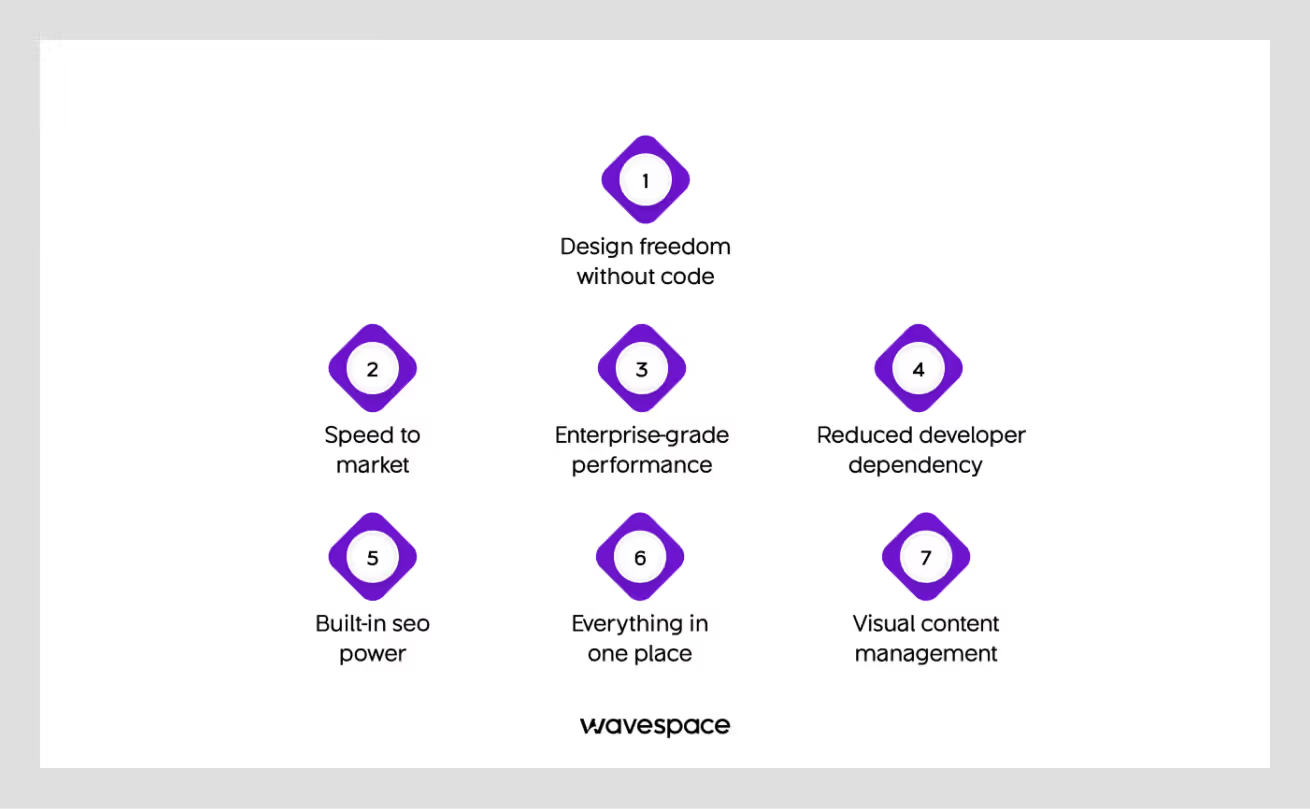
Reason 1: Design freedom without code
The difficulty with the majority of builders:
Templates lock you in. You are not able to make original designs. Your site looks generic.
The problem with custom code:
Every change requires developers. Minor updates are expensive in both time and money.
How Webflow solves this:
You control every pixel. No template restrictions. But you don't write code.
Real example:
IDEO required a location that would display its design work. Templates wouldn't work. It would require months of custom coding. They created a special, gorgeous Webflow site within a few weeks. Their design team did it themselves.
What this means for you:
Your marketing department can develop landing pages. No developer needed. Launch campaigns faster. Stay on brand.
Reason 2: speed to market
Time matters in business. The process of creating a website usually looks like this:
Traditional custom development:
- Designer creates mockups (2-3 weeks)
- The developer codes the design (4-6 weeks)
- Revisions and testing (2-3 weeks)
- Total: 2-3 months
WordPress with a developer:
- Find the right theme (1 week)
- Customize with plugins (2-3 weeks)
- Fix conflicts and bugs (1-2 weeks)
- Total: 4-6 weeks
Webflow:
- Design and build together (2-3 weeks)
- Launch immediately
- Total: 2-3 weeks
Real example:
Lattice had to roll out new product pages quickly. Their previous system needed developers to make any changes. Each update took days. Their marketing team uses Webflow to make changes in minutes. Their speed to market improved by 98%.
Fivetran experienced even more dramatic results, with a 98% increase in speed to market. The team produced 4 times more SEO articles and launched over 130 new web pages in one year.
Another example:
Discord has transferred its blog to Webflow. They are now 5x faster to ship content.
What this means for you:
Launch faster. Test ideas quickly. Beat competitors to market. Your team stays agile.
Reason 3: Enterprise-grade performance
Your website speed matters. Slow sites lose customers. Google has a higher ranking of fast sites. Every second counts.
How Webflow delivers speed:
Built on Amazon Web Services (AWS)
Netflix and Airbnb run on the same infrastructure.
Global CDN (Content Delivery Network)
Your site loads quickly everywhere in the world. The nearest server is used to serve the content.
Automatic optimization
Images compress automatically. Code minifies. No manual work needed.
Real performance data:
Most Webflow sites score:
- 90+ on Google PageSpeed (out of 100)
- Under 2 seconds load time
- 99.99% uptime
Compare that to WordPress:
- Average PageSpeed: 60-70
- Average load time: 3-5 seconds
- Uptime depends on your host
What this means for you:
Better SEO rankings. More conversions. Happy visitors. Reduced money on performance optimization.
Reason 4: Reduced developer dependency
The bottleneck of developers is real. This is the issue of most companies:
- Marketing requires a fresh landing page.
- They file a ticket request in the dev team.
- Developers are occupied with product work.
- The page is launched some weeks later.
- It loses the campaign momentum.
How Webflow changes this:
Your design and marketing departments are independent. They do not wait till developers.
Real example:
There was an issue with Dropbox Sign (HelloSign). Each change in the sites required the time of the developers.
Since they had transferred to Webflow, they noticed:
- Reduction in developer tickets by 67%.
- The marketing team introduced the pages themselves.
- Product-oriented developers.
- Faster campaign execution
What this means for you:
Your developers do what is important. Your marketing department is dynamic. Everyone wins.
Reason 5: Built-in seo power
SEO isn't optional anymore. Your site must be ranked in Google. However, SEO is a challenge to many web developers. Webflow makes it easy. Code that is search engine friendly.
Webflow generates pure HTML, CSS, and JavaScript. Your site is easy to read using search engines. There's no bloated code or unnecessary scripts slowing things down.
Full control over SEO settings
It provides all the essentials behind the scenes: Meta titles and descriptions, Open Graph social sharing, automatic XML sitemaps, 301 redirects, image alt text, and schema markup. The technical SEO boxes are all checked.
Fast loading speeds matter
Google gives preference to fast sites. Webflow websites are speedy by default. You do not need to be a professional to install performance extensions.
Mobile-friendly by design
All Webflow websites are mobile-ready. Google is more concerned with mobile-friendly websites. Your location is operational on the first day.
Businesses have improved search results since switching to Webflow. Pages load faster. Bounce rates drop. SEO improves naturally. This will increase visibility on Google, organic traffic, and the amount of money saved on SEO remedies.
Reason 6: Everything in one place
The majority of website configurations are untidy. Using WordPress, you will require a hosting company, a theme, 10 or more plugins, a backup, a security, an image optimizer, a caching, a form builder, and an SEO. Each piece costs money. Each one can break. Updates cause conflicts.
Webflow is a single platform that has it all. You receive high-speed and reliable hosting, a free SSL certificate, a content management system, form processing, e-commerce features, auto image optimization, a global CDN, automatic backups, and built-in security. One platform. One bill. No plugins.
Real example:
Webflow replaced a variety of tools used by Upwork. Their website hosting, content management, form submissions, and analytics integration systems were different. Everything now exists in Webflow. They have fewer vendors, less complexity, and lower costs.
This translates to an easier tech stack for your business. Fewer headaches. Easier to manage. Everything is harmonized.
Reason 7: Visual content management
The majority of the CMS platforms are difficult to use. WordPress administration panels are not user-friendly. The process of editing content is detached. You change it here and pray that it will appear as you want when it is published.
Webflow's CMS is visual. You see your changes in real-time. No "preview mode" needed. The content editors view the same as visitors.
Here's how it works. Click on the text you want to change. Edit it directly on the page. See the result immediately as you type. Publish when you're ready. It's that simple.
Real example:
Jasper AI created a Webflow 150+ page site. They update their pages on a daily basis. There was no demand for technical training. The team members who are not technical can intervene and update without any fear.
This means non-technical teams can manage content independently. There are fewer errors as you can see what you are making. Updates happen faster. Teamwork is enhanced.

The complete truth: Webflow pros and cons
.avif)
Let's be honest. Webflow is not suitable for everybody. Here's the full picture.
Webflow advantages
Pro 1: Complete design control
You control every pixel on your website. Space, fonts, colors, and designs can all be adjusted. This implies that your brand appears special. You are not confined to template restrictions, which gives all sites the same look.
It is most important for design-oriented companies, visual-oriented brands, and agencies that develop individual websites on behalf of the client.
Pro 2: No plugin chaos
Webflow includes core features. No basic functions require installing any kind of plugin. This is not the same as WordPress, which has an average of 22 plugins on a site. All the plug-ins present possible security threats and slowdowns.
Nothing will break when updating with Webflow. It is faster, more reliable, and requires less maintenance on your site. Everything just works.
Pro 3: Professional code output
Webflow generates clean HTML, CSS, and JavaScript that adhere to web standards. That is improved SEO, improved loading times, and future-proof code. When you require something custom, it is easy to export and work with the code of Webflow.
Pro 4: Fast performance by default
Webflow has a global CDN, automatic image optimization, minified code, and rapid servers. You need not be an expert in performance. It is taken care of by Webflow.
The outcomes are self-explanatory. The majority of Webflow sites have a 90+ on Google PageSpeed. WordPress sites average 60-70.
Pro 5: Security and hosting included
Each Webflow site includes free SSL, DDoS, automatic backup, 99.99% uptime, and a web application firewall. You don't pay separate hosting bills or install security plugins. All the work is done on your behalf.
Pro 6: Animations without code
You can build interactions and animations visually without writing JavaScript. This lets you create scroll-triggered animations, hover effects, page transitions, and loading animations. Your site is not complicated, but modern and interesting.
Pro 7: Scales with your business
Webflow has plans of freelancer, small businesses, growing, and enterprise organizations. You do not have to switch platforms to start small and grow. Enterprise options are SSO (single sign-on), advanced roles and permissions, priority support, and 99.99% uptime SLA.
Not sure whether to hire a freelancer or an agency? We've broken down the pros and cons.
Webflow limitations
Now let's talk about the downsides. Every platform has them.
Con 1: Learning curve
Webflow is not as easy as Wix. You need to learn how it works. Simple websites require 5-10 hours of training. Complex sites require 20-40 hours. It takes 2-3 months of practice to be a master.
The worst are absolute novices with no idea of design.
It is difficult for people who desire quick outcomes or feel awkward when using visual aids. Nonetheless, designers (even without code experience), marketing experts willing to learn, and people with basic design knowledge are successful in no time.
After knowing it, you are strong. The time investment pays off. Webflow University has free video courses, has an active community, and you can work with templates. It is also possible to pay a Webflow professional to start sooner.
Con 2: Pricing can add up
Webflow is not the most affordable one. Prices become higher with a larger site. The cost is between $14/month (Basic) and $39/month (Business), and Enterprise is priced custom. E-commerce plans begin with 29/month and increase to 212/month as Advanced.
It becomes expensive when using several websites, high-traffic websites, large e-commerce stores, or more than one group member. WordPress may appear cheaper at $5-50/month, but you will have to pay to add plugins, themes, and hosting. The price of Squarespace is 16-49/month, and that of Shopify is 29-299/month.
The point is that the total cost of ownership is important. Many businesses are finding Webflow more affordable when you add in saved developer time, no fees on a plugin, included hosting, and built-in security.
Con 3: E-commerce limitations
Webflow E-commerce is a better fit with small to medium stores, but not Shopify. Product limits can be 500 (Standard), 1,000 (Plus), or 3,000 (Advanced). It lacks integrated abandoned cart recovery, fewer discount codes, no product reviews, fewer payment gateways than Shopify, and no POS system.
Do not use Webflow in e-commerce when you have 5,000 or more products, a complicated inventory, a drop shipping business, and sell in multiple channels. It is ideal with online product sellers, small product lists, brand-focused, design-oriented, and service-based companies that have a few products.
Con 4: Form limitations
Basic forms work fine in Webflow. Simple contact forms, newsletter signups, and basic lead capture are easy. Third-party tools are, however, required in complex forms. Webflow does not have built-in conditional logic, multi-step forms, file uploads, advanced validation, or form analytics.
The integration with tools, such as Typeform, Jotform, Formspree, or Airtable, is also a workaround. These are extras, but eliminate the issue.
Con 5: Collaboration can be tricky
Several individuals cannot work on the same page at the same time. The Designer can only be edited by an individual, but people can edit CMS content. This influences big design teams, agencies that have more than one designer, and companies that have repeated edits.
Some examples of workarounds are breaking work up by page, staging websites, keeping communication clear, and upgrading to plans with more seats. Enterprise plans have improved role management and editing simultaneously.
Webflow vs Speed to Market: the platforms
Here's how Webflow compares to alternatives:
Choose Webflow if:
Design quality matters most
You value speed and performance
You want control without coding
You need scalability
Your team can spend time learning.
Choose WordPress if:
You are more focused on e-commerce.
You have developer resources
The budget is very tight
You require in-built marketing services.
The features of e-commerce are more important than design.
Choose Shopify if:
E-commerce is your primary focus
You sell physical products
You need 5,000+ products
You want built-in marketing tools
E-commerce features matter more than design
Choose Wix if:
You must have something right now.
It is not important to customize designs.
The budget is very limited
No time to learn new tools
Choose Squarespace if:
You want elegant templates
Above all, simplicity is valued.
You run a creative business
You need basic e-commerce
Is Webflow right for you?
You Should Choose Webflow If:
1. Your brand must have an original design
Templates won't work. You have certain brand guidelines.
2. You appreciate the performance of websites
SEO and conversions are dependent on fast loading.
3. Your team desires autonomy
Marketing and design teams are not to wait till the developers.
4. You're willing to learn
You'll invest time in training. It is a learning curve that is worth it.
5. You need scalability
Your website will grow. You do not want to recreate in the future.
6. Design quality matters
One of your marketing assets is your website. It should look professional.
7. You would like an all-in-one solution
Design, CMS, and Hosting are all made easy in one platform.
Consider alternatives If:
1. You need it today
No time to learn. Need a site live in 2 days.
2. You have a massive e-commerce business
5,000+ products. Complex inventory. Multi-channel selling.
3. The budget is very minimal
Not able to spend over $10/month overall.
4. You require very particular plug-ins
Depending on the niche, WordPress plugs which have no alternatives.
5. Your team is unable to acquire new tools
No ability or desire to invest in training.
6. You need complex backend functionality
Building a web application. Need custom databases and logic.

Getting started with Webflow
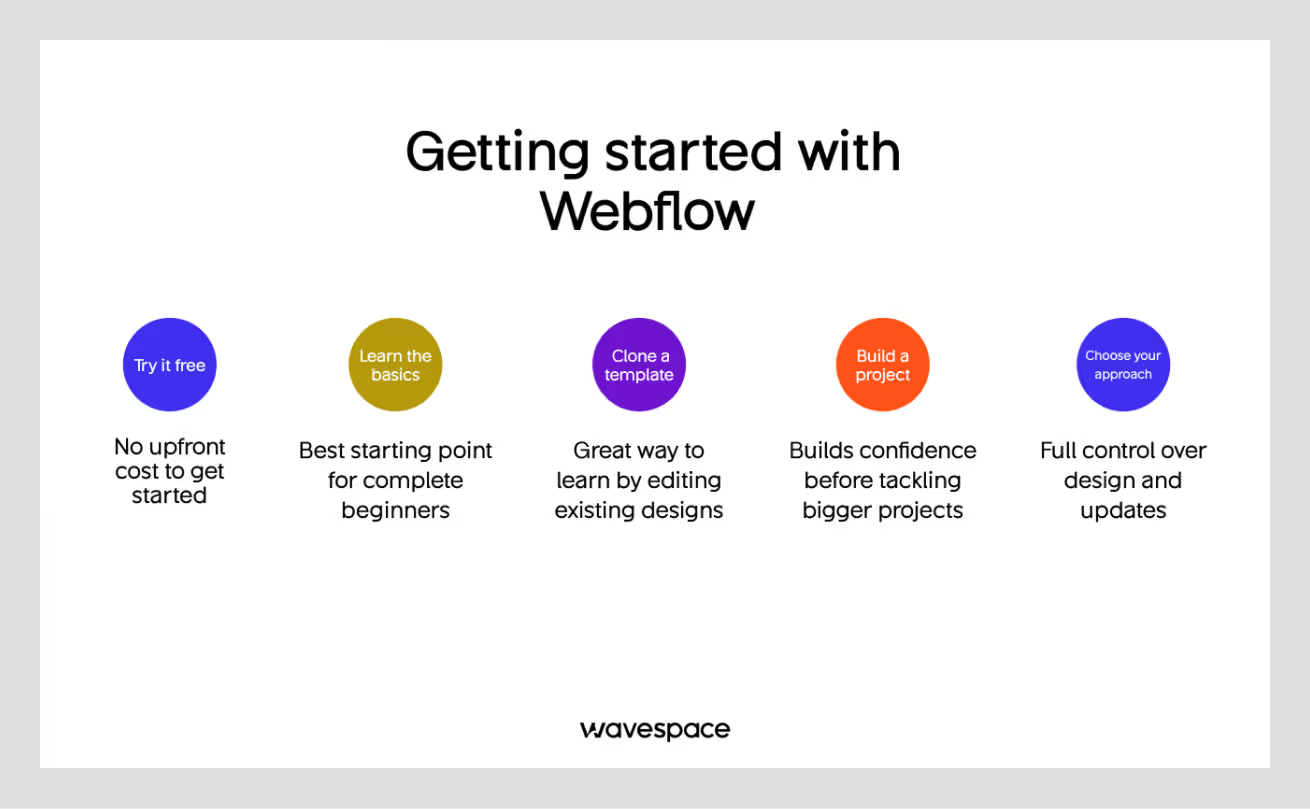
Step 1: Try it free
Webflow offers a free plan. Build and test. No credit card needed.
Step 2: Learn the basics
Watch Webflow University videos. Start with the "Webflow 101" course. Takes 2-3 hours.
Step 3: Clone a template
Don't start from scratch. Take a template that best suits you. Customize it.
Step 4: Build a simple project
Practice with a small site first. A landing page or simple portfolio.
Step 5: Decide on your approach
Option A: DIY
- Your team learns Webflow
- Build and manage in-house
- Best for ongoing control
Option B: Hire help initially
- Webflow specialist creates your site.
- They train your team
- You maintain it going forward
Option C: Fully managed
- The agency takes care of all.
- You provide content
- They deal with design and updates.
Summary of Webflow
So, what is Webflow? It's a visual web development platform. It gives you design freedom without code. It includes hosting, CMS, and e-commerce in one place.
Why do top brands choose it? Because it's fast. It performs well. It gives teams independence. Design quality is high. SEO is built-in.
Companies like Wavespace, Lattice, Discord, and Dropbox Sign use it. They saw real results:
- 98% faster time to market (Lattice)
- 67% fewer developer tickets (Dropbox Sign)
- 5x faster content shipping (Discord)
Is it perfect? No.
The learning curve is real. Pricing adds up. E-commerce has limits. Some features require workarounds. However, Webflow works out for businesses that appreciate design, performance, and independence of teams.
The bottom line:
Webflow is worth it if you wish to have a beautiful, fast site and you are ready to spend some time learning. You need something fast and easy, or if you run a huge e-commerce shop, you have to be alternative.
Are you willing to develop your site using Webflow? We're here to help. Wavespace specializes in Webflow design and development.
You want a full site development or professional advice, we can do it, and it works. You cannot afford to leave your website to chance. Let's build something great together.

FAQ

It depends on your needs.
Choose Webflow if:
- You want design control without coding
- You value speed and performance
- You want less maintenance
Choose WordPress if:
- You need maximum flexibility
- You have developer resources
- You need specific plugins
Neither is "better." They serve different needs.
Site plans:
- Basic: $14/month
- CMS: $23/month
- Business: $39/month
E-commerce plans:
- Standard: $29/month
- Plus: $74/month
- Advanced: $212/month
All prices are annual billing. Monthly billing costs more.
Yes, but it's not automatic.
You'll need to:
- Rebuild your design in Webflow
- Import your content
- Set up redirects
- Test everything
Planning your WordPress to Webflow migration carefully helps preserve SEO performance, improve site maintainability, and minimize downtime during the transition.
Most companies hire a Webflow expert for migration. It takes 2-8 weeks, depending on site complexity.
No. Webflow is no-code. However, the basic web concepts come in handy:
- How websites work
- Basic design principles
- Content structure
You will learn faster if you are familiar with HTML/CSS. But it's not required.
Yes, to small to medium stores.
Good for:
- Up to 3,000 products
- Digital products
- Design-focused brands
- Simple checkout needs
Not ideal for:
- Large catalogs (5,000+ products)
- Complex inventory
- Drop shipping
- Multi-channel selling
Shopify is preferable to large e-commerce platforms.
Five main ones:
- Learning curve - It is time-consuming to learn.
- Pricing - Can get expensive
- Limitations of e-commerce - Weak compared to Shopify.
- Form restrictions - No form restrictions.
- Cooperation - Editor single-handedly.
None are deal-breakers. Know them, though, before committing.

More related blog


Have a Project? Let’s talk!




















.png)



Francisco, CA 94105, United States





































.avif)